This content has restricted access, please type the password below and get access.
Archives
All posts by Fox
Title: Game Asset/Engine Integration
Course Section Number: GAM-41-38837
Description:
An intermediate 3D modeling class with a strong focus in low poly modeling, texture mapping and
importing art assets into an industry standard game engine. Topics also include the basics of lighting an
object, creating custom textures and presentation skills.
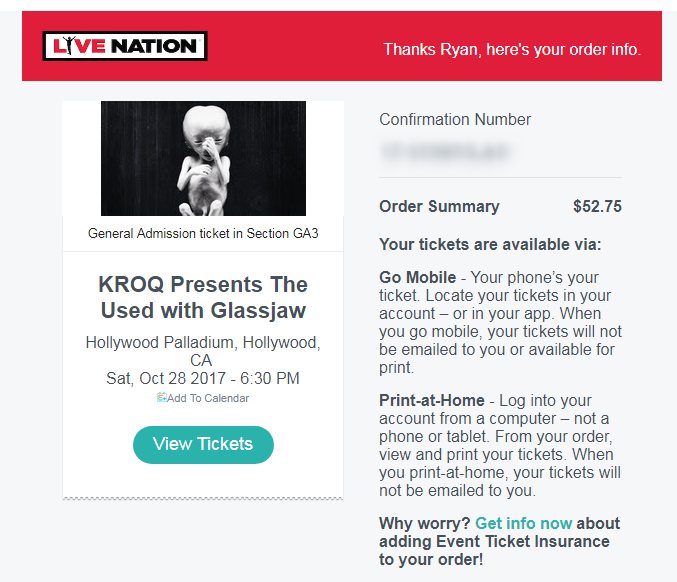
| General Admission ticket in Section GA3 | ||
|
https://support.google.com/docs/answer/75943?co=GENIE.Platform%3DDesktop&hl=en
Get data from other sheets in your spreadsheet
- On your computer, go to docs.google.com/spreadsheets/.
- Open or create a sheet.
- Select a cell.
- Type
=followed by the sheet name, an exclamation point, and the cell being copied. For example,=Sheet1!A1or='Sheet number two'!B4.
Note: If a sheet name contains spaces or other non-alphanumeric symbols, include single quotes around it (as in the second example). Continue Reading